
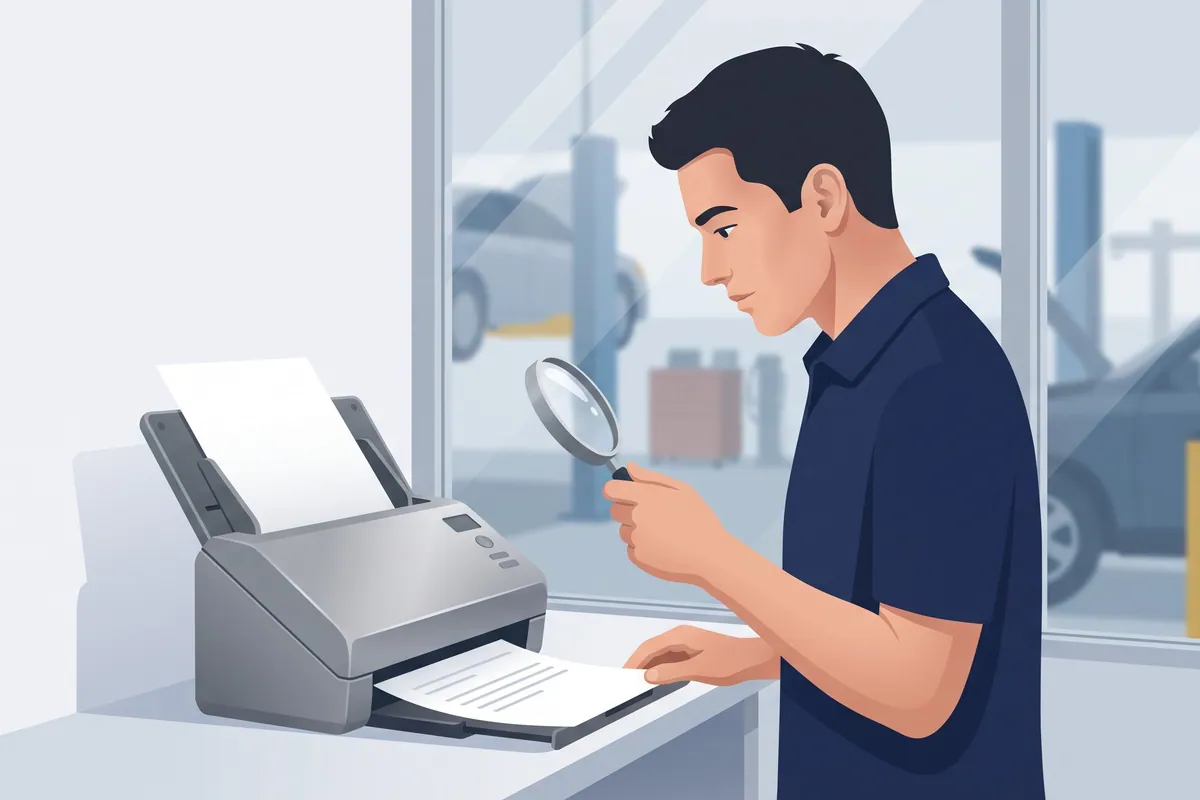

OCR accounts payable software reads your vendor invoices so a human doesn’t have to retype them. It is a very good reader. Hand it the parts invoice that rode back from the counter folded into a technician’s back pocket, and it will pull the part number, the price, and the core charge without a word of complaint. (It won’t complain about the brake dust either. It is the most patient employee you will ever have, and also the least suspicious.)
That second part is what this post is about. OCR reads the invoice. It does not tell you whether the invoice is right.
(Full disclosure: I run WickedFile, which uses OCR as step one and then spends the rest of its day checking parts invoices against your repair orders and credit memos. I’ll walk you through the manual version first, because the process matters more than the software.)
What OCR accounts payable software actually does
OCR stands for optical character recognition. IBM’s definition is about as clean as it gets: technology that uses automated data extraction to convert images of text into a machine-readable format.
In a repair shop’s AP, that looks like this:
- Capture. An invoice arrives as paper, a PDF in the parts inbox, or a photo from someone’s phone.
- Read. The software turns the image into text.
- Extract. It picks out the fields that matter: vendor, invoice number, date, PO number, line items, core charges, tax, total.
- Hand off. The data goes to your AP workflow or accounting system, usually as a draft bill for someone to review.
That’s the whole job. It replaces typing.
OCR vs. AI for accounts payable
Plain OCR reads characters. It doesn’t know that the number in the bottom right is the total and the one beside it is a core deposit.
The newer AI for accounts payable tools add that understanding. They read layouts they have never seen, pull individual line items, and handle messy handwriting better. IBM describes this as OCR software using artificial intelligence for intelligent character recognition, including handwriting.
That matters more in auto repair than in most industries. In the 2026 Ratchet+Wrench Industry Survey of 430+ shops, 47% said they use five or more regular parts vendors each month. Five vendors means five invoice layouts, plus the dealer’s, plus the tire supplier’s, plus whatever the machine shop prints on.
The same survey found the top reason shops haven’t adopted AI is being unsure what’s trustworthy (23%). That’s a healthy instinct. Keep it. You’ll need it in the next section.
How accurate is invoice OCR? Nobody agrees on what’s being counted
I went looking for a reliable accuracy figure to give you. I couldn’t find one I’d stake a vendor payment on.
The pages ranking for this topic quote everything from 85 to 90 percent for standalone OCR up to “over 99 percent” for AI-assisted tools. The ones I read didn’t say whether they meant characters, fields, or entire invoices, or which invoices they tested. Those three measure very different things.
Here’s why that distinction matters. This is illustrative math, not a measurement:
- A typical parts invoice might have 30 fields once you count each line’s part number, quantity, price, and core.
- At 99% accuracy per field, and assuming errors land independently, the chance every field on the invoice is right is 0.99 to the 30th power.
- That’s about 74%. Roughly one invoice in four would have at least one field wrong.
A “99% accurate” tool and “one in four invoices needs a fix” can both be true at once. So test on your own invoices, not on a brochure.
Here’s the twist, though. Even a perfect read doesn’t solve the expensive problem.
OCR reads the invoice. It doesn’t tell you whether the invoice is right.
A parts invoice is the vendor’s version of events. OCR records the vendor’s version with beautiful accuracy. Every error below gets read perfectly, filed perfectly, and paid perfectly:
- The core that went back and never got credited. The invoice shows an $85 core charge. The core went back on the next run. The credit memo never came.
- The return with a slip and no credit. A return slip proves the part left your building. It doesn’t prove the vendor gave you money back.
- The duplicate. Same part, same RO, two invoice numbers because the counter re-keyed the order.
- The price creep. The quote on the phone was $142. The invoice says $168. The extraction is flawless.
- The part bought for an RO and never sold on it. The invoice has a valid PO number. The repair order closed without that part on it.
- The phone order with no RO at all. A blank or made-up PO number, read accurately, tied to nothing.
None of these is a reading error. They are reality errors. Faster data entry on a wrong invoice is just a faster mistake.
Here’s what that can add up to. Illustrative numbers for a busy single shop:
| Exception (per month) | Count | Avg. $ | Monthly cost |
|---|---|---|---|
| Uncredited cores | 6 | $75 | $450 |
| Returns with no credit memo | 3 | $160 | $480 |
| Duplicate invoices paid | 2 | $210 | $420 |
| Parts bought, never sold | 4 | $95 | $380 |
| Total | $1,730 |
That’s $20,760 a year, and every dollar of it went through an invoice that OCR read correctly. The alternator didn’t vanish. The paperwork just never asked where it went.
If you want the deep version of the core problem, I wrote up where core charge money leaks in a repair shop.
Reading invoices is evidence. Matching them is the work.
The goal isn’t to reconcile paperwork. The goal is to reconcile reality: where every part went and whether you got every dollar back that you were owed. Paperwork is just the evidence.
OCR gets you the evidence faster. Then each invoice still needs an answer to one question: what happened to this part? There are only a handful of good answers. Sold on an RO. Put in inventory. Returned and credited. Used in the shop.
Accounting has a name for the classic version of this check. AccountingTools describes three-way matching as comparing the supplier invoice, the purchase order, and the receiving report before paying, so only authorized purchases get paid.
Most repair shops don’t run formal purchase orders. The repair shop version swaps in what you do have:
- Invoice to repair order. Use the RO number as the PO number on every parts order. Then every invoice points to a job.
- Invoice to RO line. Was the part actually sold on that RO? If not, was it returned?
- Return to credit memo. Every return needs a matching credit. No credit, no closure.
- Statement to all of the above. The month-end statement becomes the final check, not the first look.
You can do every bit of that by hand. A spreadsheet, a highlighter, and a bookkeeper with a free Friday afternoon will get you there. It’s slow, but it works, and it beats OCR alone, because OCR alone does none of it.
If the statement step is where you’re stuck, here’s how to reconcile a vendor statement line by line.
How to test OCR accounts payable software on your own invoices
Every demo uses a crisp, single-page PDF from a vendor with a nice font. Your parts tray doesn’t look like that. Run any tool through this test before you sign:
- Pull 25 of your ugliest invoices. Carbon copies, phone photos, handwritten counter tickets, a dealer invoice, a credit memo.
- Check line items, not just totals. A tool that only reads the header can’t tell you which part carried the core charge.
- Check the PO field. If it can’t reliably read your RO numbers, nothing downstream can match.
- Feed it credit memos. They should come through as credits, not as more bills.
- Ask what happens after extraction. Does it check for duplicates? Does it match anything to anything? Or does it just make a draft bill?
- Ask where the data goes. QuickBooks Online sync is common. Matching to your shop management system is not.
Question five is the whole ballgame. Most AP automation software is built around capture, approval, and payment. That’s useful. It’s also a different job from invoice reconciliation, which asks whether the bill was right in the first place.
Fast reading only pays off when something checks the read
This is where WickedFile fits, and I’ll be specific about it.
What it reads: vendor invoices, credit memos, and statements, through OCR and AI extraction. It also pulls repair orders from your shop management system, entries from QuickBooks Online, and bank and card transactions through Plaid.
What it flags for this topic:
- Core charges with no matching core credit.
- Returns with no credit memo, and credits the vendor issued but never applied on the statement.
- Invoices whose PO number doesn’t trace to a real repair order.
- Parts bought for an RO but not sold on it.
- Statement lines with no supporting invoice, and card charges with no invoice at all.
How to spend the free trial on this: you get 500 scanned pages, no credit card. Take last month’s invoices, credit memos, and statements from your two biggest parts vendors. Connect your shop management system. Then look at the exception list, not the extraction. The extraction will look fine. The exceptions are the point.
What it doesn’t do: it isn’t a shop management system, it isn’t a payment processor, and it doesn’t replace QuickBooks or your bookkeeper. It won’t pay vendors for you. After the trial, the Grow plan is $299 a month, flat. If you process twenty invoices a month and your bookkeeper already checks every core by hand, honestly, keep doing that.
Run your last month of parts invoices through the free trial →
The software will read every invoice you give it, greasy thumbprints and all. I’d just like something in your back office to ask the follow-up question, preferably before the parts driver does. (I still read invoices the way my dad taught me, one finger on each line and my lips moving. OCR is faster than that. It is not more curious.)