
Picking AP automation software is a lot like picking a parts vendor: every one of them swears they’re the cheapest, the fastest, and the only one you’ll ever need. (My wife says I make that exact face when I shop for anything.) So this AP automation software comparison does the boring part for you — eight real platforms, lined up on what actually decides cost and headache, with the one job none of them do called out at the end.
This is written for the owner or multi-shop operator, not the consumer. If you want a re-ranked best-of instead of a head-to-head, read our best AP automation software guide. If you’re still figuring out what the category even is, start with what is AP automation software. This page is the matrix.
How to compare AP automation software
Most comparison guides drown you in feature checklists. Five criteria do almost all the work.
- Capture accuracy. How much of each invoice the AI reads right on the first pass. The gap between 95% and 80% is the gap between “approve and move on” and “key it by hand anyway.” Vendors quote high numbers on clean PDFs and noticeably less on messy multi-line invoices — and a 30-line parts invoice is exactly the document that drags those numbers down.
- Approval routing. Can the tool mirror your real sign-off chain? For one shop, simple. For a group, you need per-location rules, dollar thresholds, and a manager who can approve their store but not someone else’s.
- Payment rails. ACH, card, check, international. Card rails can earn rebate or buy float. Check support still matters because plenty of parts vendors take only checks.
- Accounting sync. Clean two-way sync with QuickBooks, Xero, NetSuite, or Sage. A one-way push that forces re-entry eats the time the tool was supposed to save.
- Pricing model. Per-user, per-transaction, or flat. This is the one that ambushes multi-location buyers, so it gets its own section below.
One more thing before the table. Published “starting at” prices are a fraction of real Year-1 cost once you add per-payment fees and setup. Model your own volume, not the headline.
The AP automation software comparison table
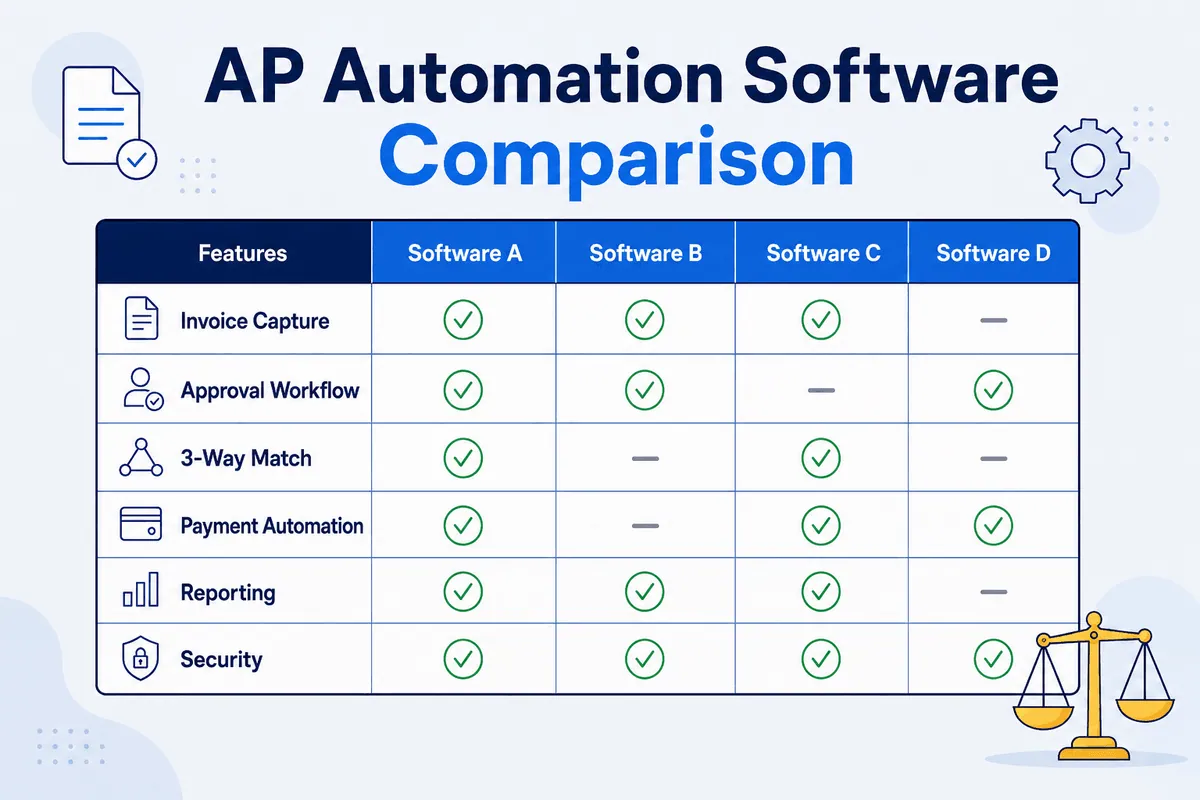
Here is the full AP automation software comparison across eight platforms. Prices and accuracy figures are estimates drawn from public vendor and review sources as of mid-2026, and they vary by plan, volume, and negotiation — confirm with each vendor.
| Platform (maker) | Unique differentiator | Capture | Payment rails | Pricing model (est.) | Best fit |
|---|---|---|---|---|---|
| BILL (Bill.com) | All-in-one AP and AR with 2- and 3-way PO matching | High (~95%+) | ACH, card, check, intl | Per user (~$65/user/mo Team) + ~$0.59 ACH / $1.99 check | SMBs wanting AP and AR in one |
| Ramp | Bill pay bundled with corporate cards + spend controls, free core tier | High (~99% OCR claim) | ACH, card, check | Free core (no per-txn ACH/check fee); paid from ~$15/user/mo | Spend control + bill pay together |
| Stampli | ”Billy the Bot” AI copilot + collaborative invoice-level approvals | High (learns over time) | ACH, card, check, intl (add-on) | Quote-based by invoice volume | Complex, multi-step approvals |
| Tipalti | Global mass payments: 200+ countries, 120 currencies, supplier onboarding + tax | High | Broad global, multi-currency | Platform fee (~$99+/mo) + custom | Global / high-volume payables |
| Melio | Pay any vendor by card even when they take only checks | Basic | ACH, card, check | Free entry; paid tiers from ~$25/mo | Simple, low-volume bill pay |
| Yooz (Yooz) | All-inclusive pricing for unlimited users; Factur-X structured capture | High (100% structured; ~82% on 10+ line PDFs) | ACH, card, check, intl | Quote-based by document volume | Document-heavy AP, many users |
| AvidXchange | Huge supplier payment network, deep mid-market verticals (real estate, banking) | Good | ACH, card, check (AvidPay network) | Quote-based, mid-market | Property mgmt / mid-market AP |
| Quadient AP (Beanworks) | AP built for accounting-firm + SMB QuickBooks/Sage stacks | Good | ACH, card, check | Quote-based by entities/volume | SMBs and firms on QuickBooks/Sage |
Read the matrix and the pattern jumps out: every one of these captures invoices, routes approvals, and pays vendors. They differ on rails, accounting depth, and how they charge — not on whether they pay bills. They all pay bills. That shared assumption is exactly what makes the gap at the end of this comparison so easy to miss.
A quick ownership note (read before you sign anything)
This category has been a game of musical chairs, and the music keeps playing. Capital One completed its acquisition of Brex in April 2026. Paylocity bought Airbase back in 2024 and folded it into an HR-finance suite. Quadient owns what used to be Beanworks. None of that is a knock on the products. But ownership churn can change pricing, roadmap, and support after you’ve signed a three-year deal — usually without much warning. Ask any vendor who owns them today before you commit. Trust, but verify — even the org chart.
Strengths and trade-offs by platform
Fair, short callouts. Each of these is genuinely good at what it’s built for.
- BILL. Strength: mature, broad AP and AR in one platform with wide accounting sync and real 2/3-way matching. Trade-off: per-user pricing gets expensive across a multi-location group.
- Ramp. Strength: a real free core tier plus corporate cards and spend controls in one place, with fast AI capture. Trade-off: it’s a spend-management platform first, so AP depth (PO matching, complex routing) is lighter than a dedicated AP suite, and richer features sit on the paid tier.
- Stampli. Strength: collaborative approvals and the Billy the Bot AI copilot that learns your coding and routing over time. Trade-off: quote-based pricing and depth a single small shop may not need.
- Tipalti. Strength: global payments across 200+ countries and 120 currencies, with supplier onboarding and tax compliance baked in. Trade-off: overkill and over-budget for a domestic auto group.
- Melio. Strength: dead-simple, cheap bill pay — pay vendors by card even when they take only checks. Trade-off: light on capture and routing, and the free tier got tighter; not built for high invoice volume.
- Yooz. Strength: strong capture and unlimited users under one subscription, good for document-heavy AP. Trade-off: quote-based, and accuracy dips on complex multi-line invoices — the kind a parts house sends.
- AvidXchange. Strength: a large supplier payment network and deep mid-market verticals. Trade-off: built for property management and banking first; auto repair isn’t its world.
- Quadient AP. Strength: tidy AP for SMBs and accounting firms living in QuickBooks and Sage. Trade-off: smaller footprint, quote-based, no auto-repair specifics.
Bottom line: if your pain is paying vendors faster, cleaner, and from one screen, several of these will serve you well. Pick on rails, accounting fit, and how the price scales for your headcount.
The pricing trap nobody shows a single-shop buyer
Here’s my one strong opinion, and I’ll back it with the math: for a multi-location operator, the pricing model matters more than the sticker price. Per-user pricing looks tiny on a one-shop demo and turns into a mortgage payment across six.
Illustrative scenario. Say you run six shops. Each has two people who touch AP — a manager and a bookkeeper — so 12 seats. On a per-user platform at $65/seat, that’s 12 × $65 = $780/month, or $9,360 a year in subscription alone, before a single per-payment fee. Add ACH at ~$0.59 and checks at ~$1.99 across real volume and it climbs. A per-document tool scales the same way against your invoice count, which for a busy parts operation is high.
(These are illustrative numbers at published rates — your real quote will differ.)
Compare that with a flat model. WickedFile is $299/month flat — no per-user fee, no per-transaction fee, no setup fee — the same whether you reconcile one shop or six. But here’s the honest catch, and it’s the whole point of the next section: WickedFile isn’t in the per-user column above, because it does not pay your bills. It is not a substitute for BILL or Ramp. It solves a different problem, so the $299 sits alongside whatever you pay your AP tool, not instead of it. We dig into this in why generic AP tools fail shops and in WickedFile vs Melio.
The category these comparisons leave out: parts-invoice reconciliation
Every platform above answers one question: did we pay this bill? None of them answers the question that actually drains an auto shop’s margin: should we have paid it, and did we get back what we were owed?
That’s a different category — reconciliation, not payments — and it’s where WickedFile lives. To be clear about its limits: WickedFile does not process payments, issue cards, or do AR. It is not a bill-pay platform and it doesn’t belong in the matrix above as a payments option. What it does is sit between your shop management system, your parts invoices, your vendor statements, and QuickBooks, and cross-reference them to catch the money that leaks on the AP side.
A generic AP tool will happily approve and pay a $90 core charge. It has no idea whether the credit ever came back. Cores don’t come back on their own — they’re not homing pigeons. Do 40 uncredited cores a month at an average $75 and you’re at $3,000 a month, or $36,000 a year walking out the door (illustrative, but not far off what we see). No amount of faster bill pay touches it.
That’s the gap this AP automation software comparison exists to make visible. For the reasoning, see what is parts reconciliation, how a core charge quietly leaks margin, and our accounts payable software guide for auto shops. If your pain is the month-end scramble, vendor statement reconciliation is the place to start.
Which to choose by scenario
- Single shop, simple bill pay, tight budget: Melio or Ramp’s free core tier.
- Spend control plus AP in one tool: Ramp.
- All-in-one AP and AR for a growing SMB: BILL.
- Complex, multi-step approvals: Stampli.
- Global or very high payment volume: Tipalti.
- Document-heavy AP with many users: Yooz.
- Mid-market, property-management or banking heavy: AvidXchange.
- SMB or firm living in QuickBooks/Sage: Quadient AP.
- Auto repair shops — single or multi-location — that want the parts margin protected: keep your AP tool above for payments, and add WickedFile for reconciliation. They don’t overlap. One pays the bills; the other tells you whether you should have.
If you run multiple locations, the leakage across all of them dwarfs the price difference between any two bill-pay tools. See how WickedFile compares, or book a demo and we’ll model the parts-margin recovery against your own shops. We’ll also, probably, tell you a terrible joke. Consider that a bonus, not a warning.