
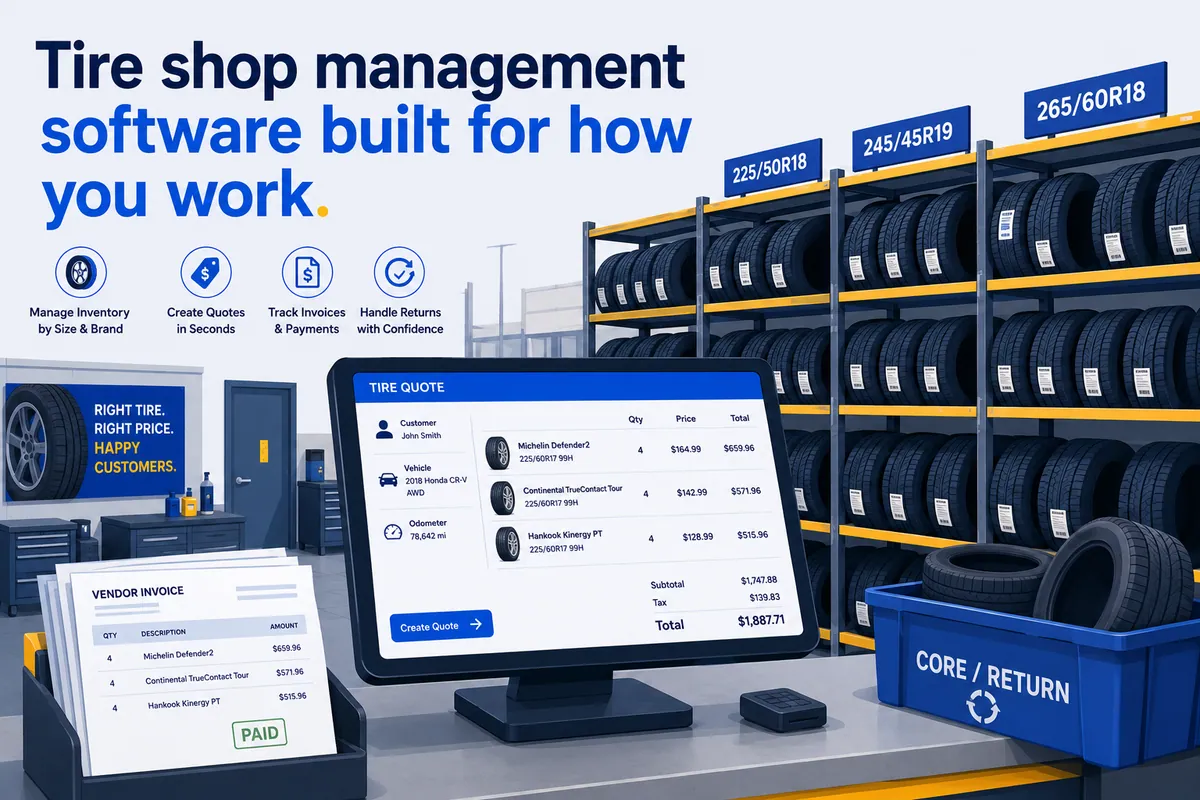

Buying tire shop management software is not one decision. It is five decisions wearing a trench coat, pretending to be one. You are shopping for inventory control, a fast quoter, fitment lookup, road-hazard tracking, and a POS at the same time, and the platform that nails four of them usually fumbles the fifth like a lug nut rolling under the lift. So before you sign anything, it helps to see how the field actually sorts out in 2026.
This is a buyer’s guide for the owner and the multi-location operator. Not for the consumer pricing out a set of all-seasons. It covers what the category is, the features that matter when tires are the product, the five tire-specific platforms worth a shortlist, what a tire group needs that a single shop does not, and the one gap that gets wider with every store you open.
Read it in five minutes. Shortlist in one afternoon.
One thing up front, because honesty is cheaper than rotating a credibility problem later. WickedFile is not tire shop management software. We do not run your inventory, quote tires, or take payments. We are the reconciliation layer that runs alongside whatever you pick. More on exactly where that fits at the end. (Yes, I buried the lede on my own product. I’ll live.)
Tire shop management software is built for the thing that makes tires hard
Tire shop management software is the operating system for a tire and service business. It tracks inventory by size and tread, quotes tires against live distributor pricing, looks up fitment by vehicle, books appointments, writes work orders, rings up sales, registers the DOT code with the manufacturer, and pushes the numbers into your accounting system.
The category overlaps with general auto repair shop management software, but it is not the same animal.
A general SMS is built around the repair order.
A tire platform is built around the thing that makes tires genuinely hard: thousands of SKUs that differ by a few millimeters, sold off distributor catalogs that reprice constantly, often billed through manufacturer national accounts and adjustment programs.
Both can run a shop that sells tires. Only one was designed for it. One thing I’ve learned talking to owners: the platform that fits is the one built around whatever pays your bills, not the one with the slickest demo.
For broader industry context on how these platforms keep changing, Tire Review’s software coverage and Modern Tire Dealer both track the category closely.
The features that separate a fit from a daily fight
Most software comparisons hand you the same generic checklist. Here is what actually decides whether a tire platform fits you or fights you every morning.
- Inventory by size and tread, not just SKU. You need to find every 225/45R17 you own across patterns and brands in two clicks, see shelf versus on-order, and stop selling tires you do not have.
- A real quoter with live distributor pricing. The counter quote should pull current cost and availability so margin is right on the screen, not reverse-engineered three days later.
- Fitment and vehicle lookup. Year, make, and model to the right size and load rating, including staggered and OE fitments, so nobody sells the wrong tire to a guy who will absolutely come back.
- Road-hazard warranty tracking. If you sell the coverage, the system has to price it, record it, and handle the claim and the manufacturer adjustment when a tire comes home early.
- National accounts and adjustments. Commercial and fleet billing runs through national accounts. The platform needs that billing path and the credit memos that ride along with every adjustment.
- DOT tire registration. Federal law (NHTSA Part 574) requires you to record the DOT code on every tire sale and transmit it to the manufacturer. A good platform does it at the counter instead of leaving you a shoebox of cards.
- Tire shop POS, scheduling, and customer messaging. Counter checkout, online booking, and text updates are table stakes now, not extras.
- Accounting integration. A clean sync to QuickBooks so you are not entering everything twice like it’s 2004.
- Tire and parts vendor invoice reconciliation. This is the one almost nobody does well. Matching each vendor invoice line against what you received, sold, or returned is a different job from recording the order, and it is where margin slips out the bay door. We come back to it.
Five tire-specific platforms worth a shortlist in 2026
Here is the shortlist, and this time it is tire-specific systems only. These are platforms built for dealers where tires are the core of the business, not general repair systems with a tire add-on bolted on. Capabilities are accurate as of mid-2026. Confirm current pricing with each vendor before you buy, because pricing pages have a way of changing the week after you screenshot them.
| Software | Maker | Best For | Standout Tire Feature |
|---|---|---|---|
| TireShop | FreedomSoft | Single and multi-location tire-and-auto shops | Scan a VIN and a work order opens with the vehicle and customer attached; Tire Retriever compares price and availability across vendors |
| TireMaster | ASA Automotive Systems | Dedicated dealers, commercial, multi-location chains | National-account processing built in, plus fitment guides and modular retail, wholesale, and commercial tools |
| Tire Guru | Vehlo | Dealers who sell tires online, mobile vans, wholesalers | Integrated consumer e-commerce site: customers search, buy, pay, and book installation online |
| Tire Power | TCS Technologies | Tire dealers who also turn real wrenches | Epicor ISE integration brings mechanical parts and labor estimating inside the tire POS |
| AutoFluent | TABS | Multi-store tire and service groups | Shares customers, vehicles, inventory, and vendors across stores; check stock at nearby locations |
TireShop, from FreedomSoft
TireShop is a POS and management system for single or multi-location tire and auto shops. Its tell is speed at the counter. Scan a VIN with TireShop Mobile and a brand-new work order opens with the vehicle data and the associated customer already attached. Its Tire Retriever feature compares price and availability across vendors like ATD, TireHub, NTW, and others in one screen, and it integrates DOT tire registration so the recall paperwork happens at checkout instead of in a drawer. It syncs to QuickBooks desktop or online.
TireMaster, from ASA Automotive Systems
TireMaster, from ASA Automotive Systems, is built for dealers where tires are the whole business, from a single mom-and-pop shop to the largest national chains running retail, wholesale, and commercial all at once. The feature that earns its keep is the national-account workflow. National-account processing is built in, so the commercial and fleet billing that runs through manufacturer programs has a home instead of living in a spreadsheet. Fitment guides and the retail, wholesale, and commercial tools come as modules you turn on as you grow. If you sell tires first and service second, this is the kind of platform built for your day.
Tire Guru, from Vehlo
Tire Guru, now part of Vehlo, leans hardest into the consumer side of the business. The integrated website lets your customers search for tires, schedule installation, and pay online before they ever walk in, then get automated status texts once the car is dropped off. It is an all-in-one platform for tire dealers, repair shops, mobile vans, and wholesalers. If a real chunk of your tire sales should be happening online, this is the one to test first.
Tire Power, from TCS Technologies
Tire Power, from TCS Technologies, is the POS for the tire dealer who also does serious mechanical work. Tire-centric systems are great at looking up and selling tires, but the moment a service writer has to estimate and source parts for a brake job they slow down. Tire Power integrates Epicor’s Integrated Service Estimator (ISE) directly into the POS so mechanical parts and labor estimating and ordering happen without leaving the workflow. Best for the shop where the tire bay and the lift both pay real money.
AutoFluent, from TABS
AutoFluent, from TABS, is the multi-store specialist on this list. Plenty of systems claim “multi-store.” AutoFluent actually shares customers, vehicles, inventory, and vendors across every location while still letting each store track its own sales and stock. A service writer can search for a tire and see the available quantity at nearby locations, transfer inventory between stores, and pull consolidated sales reporting that compares profit and progress across the group. You can even choose consolidated or per-store customer statements. If you run several stores and want one customer and inventory truth, this is the fit.
A quick honesty note. Some tire-PLUS-service shops run a general repair SMS like Tekmetric, Shop-Ware, or Shopmonkey instead of a dedicated tire platform, especially when mechanical work pays half the bills and the tire volume is moderate. Those are not tire systems, so they are not in this table, but they are a legitimate path. We sort that decision out in our companion guide to the best auto repair software tools. And if you run trucks, does Tekmetric catch parts-margin leaks is worth a read, because the reconciliation gap below does not care what size the wheels are.
What pays your bills decides the tire shop management software you need
The choice comes down to one honest question. What pays your bills?
If 70% of your revenue is tires, a tire-specific platform earns its keep on inventory and national accounts alone. Size and tread matching, distributor catalog pricing, the adjustment workflow, the fleet billing, the DOT registration. A general repair SMS will technically let you do these. You will also fight it every single day, and the SMS always wins on stamina.
If a real chunk of your tire sales should be moving online, Tire Guru’s e-commerce site is the differentiator. If you run several stores, AutoFluent’s shared inventory is. If commercial and national accounts are your bread and butter, TireMaster is. The feature that matters is the one you touch fifty times a day.
There is no universally right answer. But every platform on this list shares the exact same blind spot in the back office. Whatever you pick handles what you ordered and what you sold. None of them reconciles what your vendors actually billed you for against what you received. That is not a knock on any of them. It simply is not the job they were built to do.
A multi-location tire group needs more than a good counter
A single shop owner can eyeball the counter and mostly trust their gut. A multi-location operator cannot, and the requirements change with the store count.
- Centralized, comparable reporting. One dashboard to compare inventory, pricing, and margin across every store. This is the single biggest reason groups outgrow basic systems, and it is exactly what AutoFluent and the enterprise tier of TireMaster are built to do.
- Pricing standards that actually hold. Setting a tire and parts matrix is the easy half. Holding realized margin to it, store by store, is the half that leaks. We cover the mechanics in standardizing parts pricing across locations.
- Group-level accounting. Consolidated books, intercompany clarity, and a back office that does not need a new hire every time you open a store. See multi-location auto repair accounting.
- Many vendors, many invoices, one truth. Ten stores buying tires and parts from a dozen distributors each generate a flood of invoices, credits, and cores. No tire platform tracks that flood to the dollar.
That last point is where the real money sits. So it gets its own section.
Your tire platform records the order. It does not check the bill.
Here is my one strong opinion, and I will back it with numbers in a second: tire shop software records the order, but nobody is checking the bill, and that gap quietly costs a tire group more than any feature on a comparison chart will ever save it.
Your tire platform records what you ordered and what you sold. It does not open every vendor invoice and check it line by line against what you actually received, returned, and got credited for. That job is parts-invoice reconciliation, and it is a category of its own.
Here is where it bites a tire group specifically.
- Manufacturer adjustments and road-hazard credits that never post. A tire comes back, you process the adjustment, the credit is promised, and then it never lands on the statement. Now multiply that across stores.
- Cores and returns that walk off. Battery cores, brake cores, and returned tires that physically go back but never get credited. Cores do not come home on their own; they are not homing pigeons. We break this one down in uncredited cores and credit leakage.
- Billing errors hiding in the volume. When you buy thousands of tire and parts SKUs a month, a vendor’s price error or double-bill blends right in. The bigger the order, the better the camouflage.
Some math, and I’ll label it clearly: this is illustrative, not a promise on your specific numbers.
Say a 6-location tire group processes 40 credit-eligible events a month per store. Adjustments, road-hazard claims, core and tire returns. Suppose 15% of those credits never post, at an average value of $55.
That is 40 x 6 x 0.15 = 36 missed credits a month. Times $55, that is about $1,980 a month. Call it roughly $23,760 a year walking out the bay door. And not one line of it shows up as a problem in the tire platform, because the platform thinks the order closed just fine.
This is the “we’re gonna need a bigger boat” moment of your P&L. The leak was in the paperwork the whole time. The mechanics of catching it live in how to reconcile tire vendor invoices.
Where WickedFile fits alongside your tire platform
Let me be plain about what WickedFile is and is not, because being plain is the entire point.
WickedFile is not a tire shop management system. It is not a POS. It does not manage tire inventory, quote tires, look up fitment, register DOT codes, process payments, do your invoicing or accounts receivable, or replace TireShop, TireMaster, Tire Guru, Tire Power, AutoFluent, or QuickBooks. If you do not have a tire platform yet, WickedFile is not your first purchase. Go pick one of the five above first.
What WickedFile is: the accounts-payable and parts-invoice reconciliation layer that runs between your tire platform, your vendor invoices, and QuickBooks. It reads every vendor invoice, matches the lines against what you purchased, sold, and returned, and flags the missed credits, billing errors, and uncredited cores your tire platform never sees. It does not replace your SMS. It protects the profit your SMS generates.
For a tire group, that is the difference between a clean dashboard and clean books. Pick the platform that fits what you sell. Then plug the back-office leak that every option on this list shares. Wondering whether your current system already catches this? It almost certainly does not, but here’s how to check whether Tekmetric catches parts-margin leaks.
See how WickedFile compares to general AP tools, or book a demo to see what it finds on your own vendor invoices. Pick the right tire platform. Then go find the credits that have been ghosting you. Cores don’t ghost themselves.