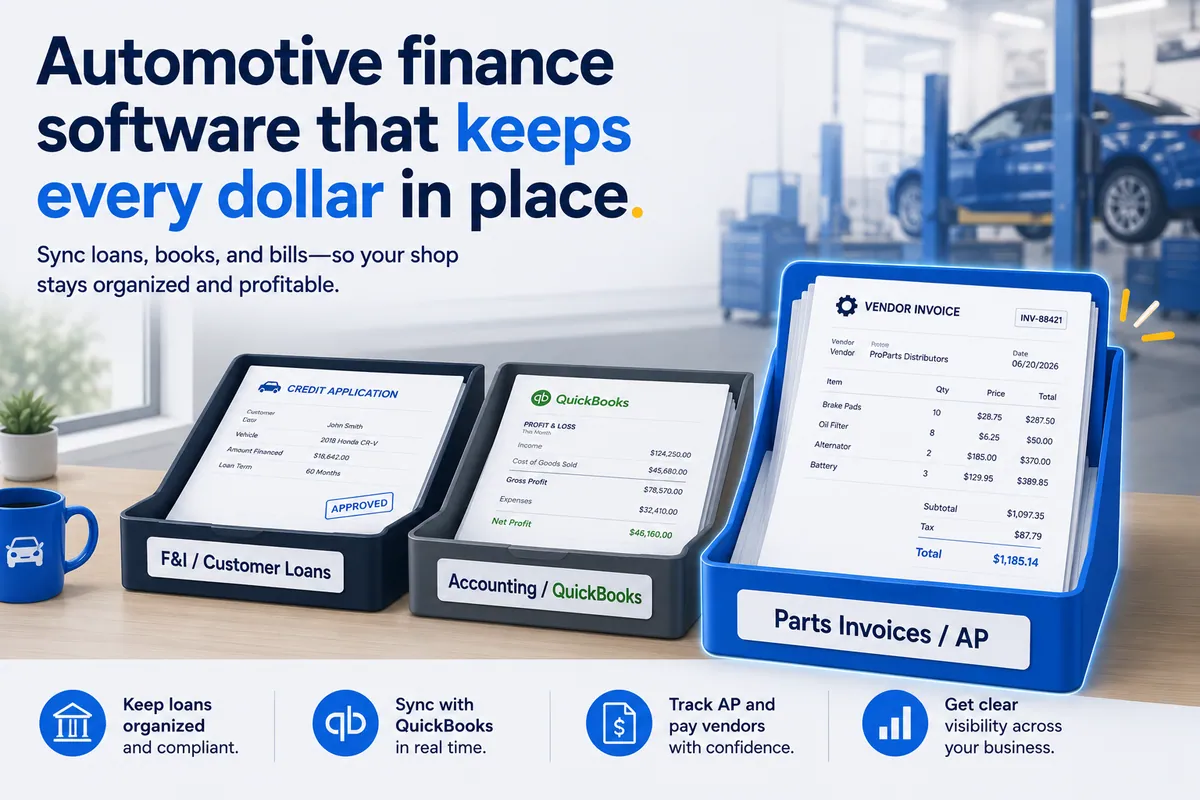

If you searched “automotive finance software,” you’ve already hit the snag: the term means three completely different things, and two of them probably aren’t what you need. (Three meanings, one search box, zero warning labels. The internet assumes you knew that walking in.) There’s dealership F&I software for arranging customer car loans. There’s automotive accounting software for running the books. And there’s shop accounts-payable and reconciliation software for the vendor-bill side of an independent repair shop.
Buy the wrong one and you’ve solved a problem you don’t have while the one you do have keeps leaking money.
This is the disambiguation piece. Written for the shop owner and the multi-location operator, not the consumer. I’ll separate the three meanings cleanly, tell you which one a repair shop or MSO actually needs, and point at the finance leak that none of them catches on their own.
Read it in five minutes. Then go buy the right category, not the loudest one.
”Automotive finance software” means three different things
The term is slippery because “finance” in a car business spans the whole money lifecycle — from a customer borrowing to buy a vehicle, to a company keeping its books, to a shop paying its parts suppliers. Every vendor in earshot grabs the word “finance.” So one search returns three product categories that share almost nothing but the name.
Here’s the clean split:
- Dealership F&I software — finance and insurance. A tool for arranging customer auto loans and selling warranties and add-ons at the point of sale.
- Automotive / dealership accounting software — the system of record for a car business’s own money: ledger, P&L, balance sheet, reporting.
- Shop AP and reconciliation software — the layer that handles vendor bills for an independent repair shop or MSO, and ideally verifies them.
Get the category right and the rest is easy. Get it wrong and you’ll spend months demoing tools that were never built for your job. Below, each one — and who it’s for.
F&I tools run the dealership finance desk, not your service bays
F&I tools are the software a franchised dealership uses to finance a vehicle sale. They pull customer credit, structure and submit auto loans to lenders, generate the contracts, and present the menu of add-on products. F&I stands for finance and insurance, and it is the highest-margin desk in a dealership.
As the CFPB describes the F&I department, it is where a customer finalizes financing, signs the loan paperwork, and gets walked through the add-ons (extended warranties, GAP coverage, paint protection) before driving off.
So an F&I tool is a consumer-lending and product-sales engine, pointed straight at the buyer of a vehicle.
Now the honest question: do you sell and finance vehicles? If you run an independent repair shop or a multi-location service group, the answer is no. You fix cars and bill customers and insurers. You aren’t underwriting loans on the cars on your lifts. F&I tools solve a problem you structurally don’t have.
This is the most common wrong turn behind the search. Owners type “automotive finance software,” land on an F&I demo, and bounce, because the tool assumes a dealership business model they don’t run. If you sell cars, F&I tools are for you. If you only service them, skip the whole category. (You’ll know you wandered into the wrong aisle the second someone asks for your lender integrations.)
Automotive / dealership accounting software runs your books
The second meaning is accounting software for a car business — the system of record for your own money. This is the genuinely useful category for most shops, and it’s almost always QuickBooks (sometimes Sage or Xero, and at the franchised-dealer level, a DMS-integrated package).
Accounting software produces a real P&L and balance sheet, tracks accounts payable and receivable, runs payroll, handles sales-tax filing, and reconciles your bank and credit-card feeds. The SBA’s own finance checklist names exactly these jobs — AP, AR, available cash, bank reconciliation, payroll — as the non-negotiable core of running a business’s finances. That’s what this category covers.
If “automotive finance software” meant accounting to you, you’re in the right neighborhood. I go deep on the shop-specific version in auto repair accounting software, on the bookkeeping-tool angle in the best accounting and bookkeeping software for auto repair, and on how the books actually work in the automotive accounting practice guide. They all route you to the QuickBooks-class answer and the limits that come with it.
The limit, in one sentence: accounting software faithfully records whatever cost and price get entered, and does flawless math on those numbers — but it never checks whether the entered numbers are correct. Hold that thought. We’re coming back to it.
Shop AP software pays the bills — it doesn’t audit them
The third meaning is accounts-payable software — the tooling for the bills you owe, mostly to parts suppliers. Working definition: accounts payable is the money your business owes vendors for goods already received, and AP software manages that flow from receiving the invoice through approval and payment.
Generic AP platforms — BILL (Bill.com), Melio, Stampli, Ramp — automate the routing, the approvals, and the actual bill-pay. They’re good at getting a bill from inbox to paid with an audit trail, and I list the shop-relevant options in the best AP software for auto shops.
But here’s the catch that defines this whole article. AP software pays bills accurately. It does not check whether the bill itself is accurate. It assumes the parts invoice is right, routes it for approval, and pays it. The line items go unread. Which means an independent shop or MSO can run great accounting and slick AP and still leak parts margin — because the one job nobody’s doing is reading the vendor invoice line by line.
Here’s where I’ll say the quiet part out loud: none of this software verifies reality. It records and pays whatever it’s told, and trusts that the number was true. That’s not a knock on the tools. It’s just not their job. Which is exactly why a shop with immaculate books can still be bleeding.
What an independent repair shop or MSO actually needs
Strip away the F&I noise and the answer is short. A service-only shop needs two finance layers, plus one that’s usually missing:
- Accounting software (QuickBooks-class) — the books. Required.
- An AP workflow — managing and paying vendor bills. Required, whether it’s a tool or a habit.
- Parts-invoice reconciliation — verifying those vendor bills against the order and the RO before you trust them. Almost always missing.
Your shop management system — Tekmetric, Shop-Ware, Mitchell 1, NAPA TRACS, Protractor, Fullbay, RO Writer — runs the front of the shop. But it isn’t finance software, and it doesn’t reconcile vendor invoices either. So between the SMS, QuickBooks, and your AP tool, the parts invoice never gets checked at the line level by any of them. That’s the gap. Three systems, all pointed at the same bill, and not one of them is reading it.
For the full tour of how these tools fit together, the automotive software map lays out the whole stack. Short version: you don’t need F&I, you do need accounting and AP, and you’re probably leaking money in the seam between them.
The leak no finance software catches
Here’s where all three categories fail the same way. F&I doesn’t touch your vendor bills. Accounting records whatever cost hits the ledger. AP pays whatever invoice it’s handed. Not one of them compares the vendor’s invoice line against what you ordered and what you actually sold on the RO. So three specific things slip through:
- Vendor overbilling — the invoice price doesn’t match the quote. I break this down in vendor overbilling in auto repair.
- Uncredited cores and returns — the core charge posted, the credit never came back, and now you’re past the return window with nothing to show for it.
- Parts bought but never sold or credited — purchased, paid for, and never billed out on a job.
I’ll tell you a quick one. A transmission franchise started reconciling their vendor statements and almost immediately found something nobody went looking for: someone on the vendor’s side had been withholding credits to flatter their own department’s numbers. Thousands of dollars in credits that should have come back never did. The kicker — the owner had “Stop the Steal” signs posted around his own shop because he was so locked in on employee theft. He never imagined the money was walking out a different door. The lesson wasn’t that vendors are crooks. It was that every dollar deserves an explanation, no matter who’s holding it. Trust your people. Verify your invoices. (Yes, both. They’re not mutually exclusive.)
Put a number on it — illustrative, but built from real shop volumes. Say a 200-RO-a-month shop pushes 250 parts lines monthly. Assume a conservative 2% of those lines carry an error — an overbill, a missing core credit, an uncredited return — at an average $40 each. That’s 5 bad lines a month, about $200, or roughly $2,400 a year per shop. Run an eight-location group on the same math and you’re near $19,200 a year. Your books balance the whole time. Your AP tool paid every bill on the dot. The margin still walked out the door. (Quietly. Wearing your colors.)
Where WickedFile fits — and what it is not
WickedFile is the reconciliation layer. The part of the stack that reads each parts-invoice line against the order and the RO and surfaces the overbills, the uncredited cores, the returns that never posted, and the parts that were bought but never sold. I cover the mechanics of that in invoice reconciliation software.
Let me be plain about what it is not, because the whole point of this article is buying the right category:
- It is not F&I software. It does nothing with customer auto loans, credit, or warranty sales.
- It is not accounting software. It doesn’t replace QuickBooks, and it won’t run your ledger, P&L, or payroll.
- It is not a bill-pay platform. It does not move money, process payments, issue cards, or handle AR and customer invoicing.
It sits between your SMS, your vendor invoices, QuickBooks, and your bank feeds, and tells you whether the numbers flowing through them are true. Accounting answers “do the books balance?” AP answers “did we pay the bill?” Reconciliation answers “was the bill right in the first place?” For a service-only shop or MSO, that last one is the finance question with real money riding on it.
So if you came here searching “automotive finance software,” here’s the routing: not F&I unless you sell cars, yes to accounting, yes to AP, and don’t skip the reconciliation layer that catches what the other two can’t. See where WickedFile fits with a demo, or compare the options first.
Buy the right category. Then go read the actual invoice — because the only thing more expensive than a vendor’s mistake is the year you spent assuming there wasn’t one.